
How to Resend the Licence Email with the Health Insurance Certificate
When a member gets a licence, the system emails them the licence with a certificate for their health insurance fund. With that certificate, the member gets part of the fee refunded by their health insurance fund. If the member did not receive the email, or no longer has it, you can send it again from their profile.
Before you begin
You need:
- the club administrator role for your club;
- about 2 minutes per member.
You can resend the email for a licence the member holds through your club, while that licence is valid.
Part 1 — Open the member’s profile
Step 1 — Open your profile menu
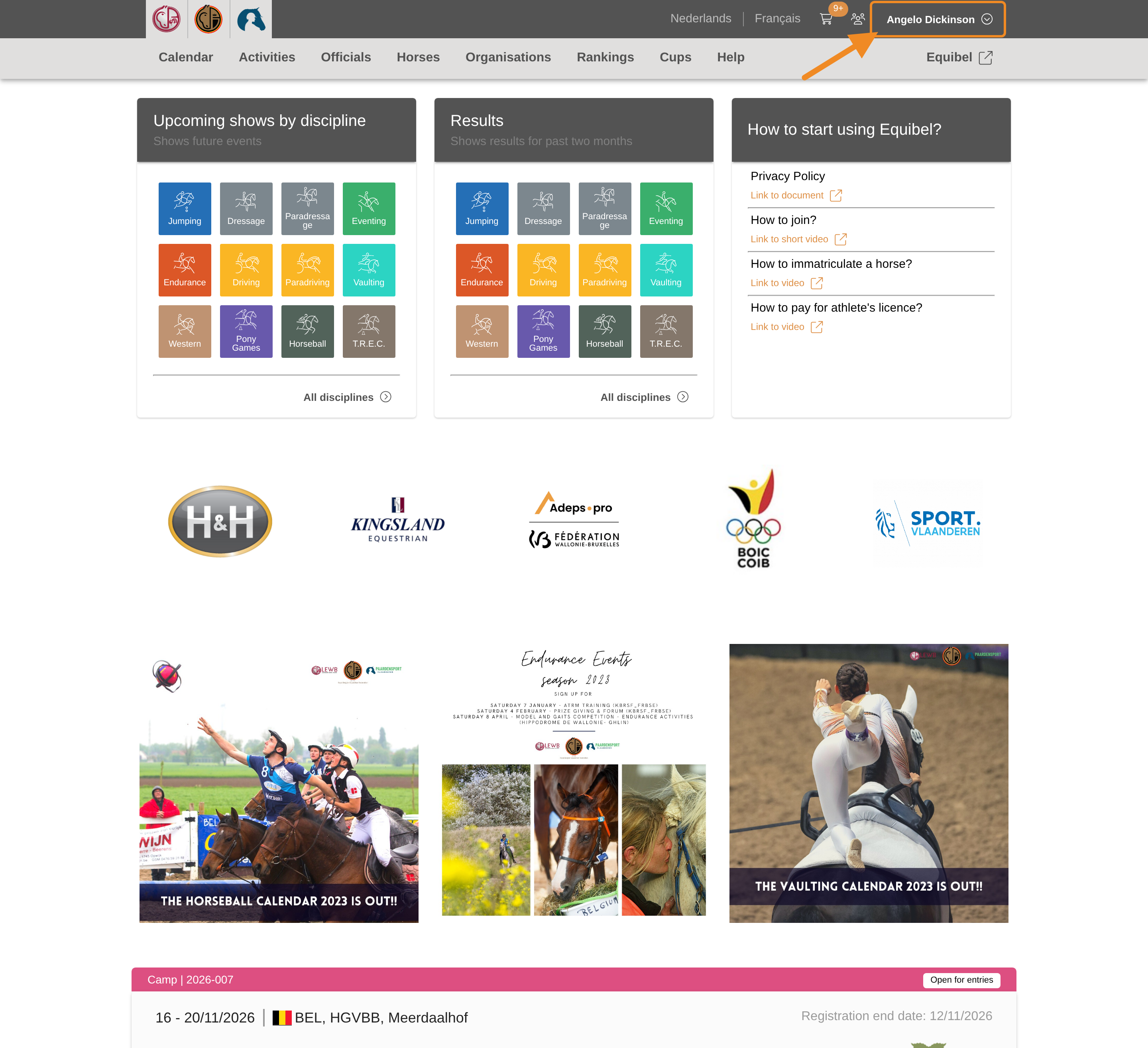
Click your profile button in the upper-right corner of any page.
Step 2 — Open your club
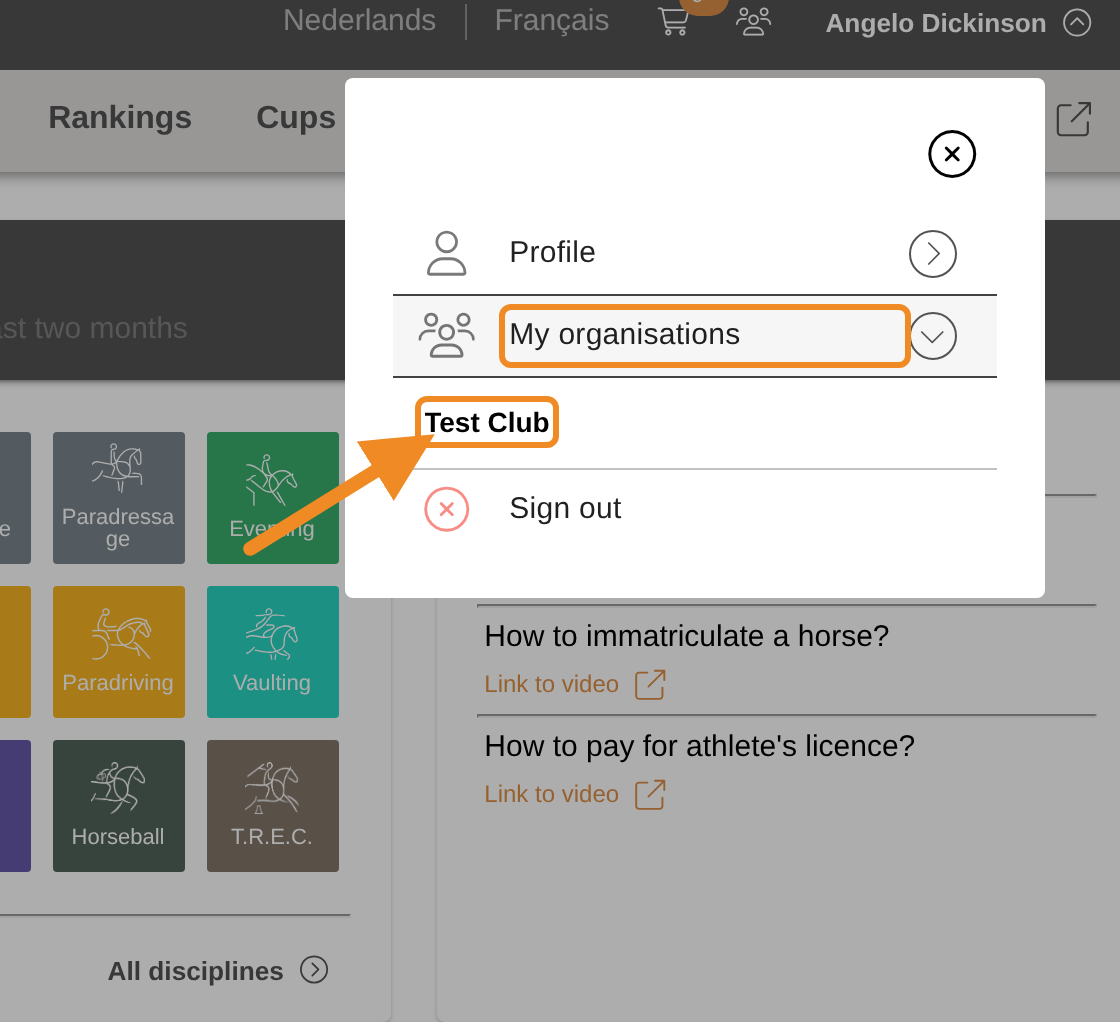
Open “My organisations” and select your club.
Step 3 — Find the members list
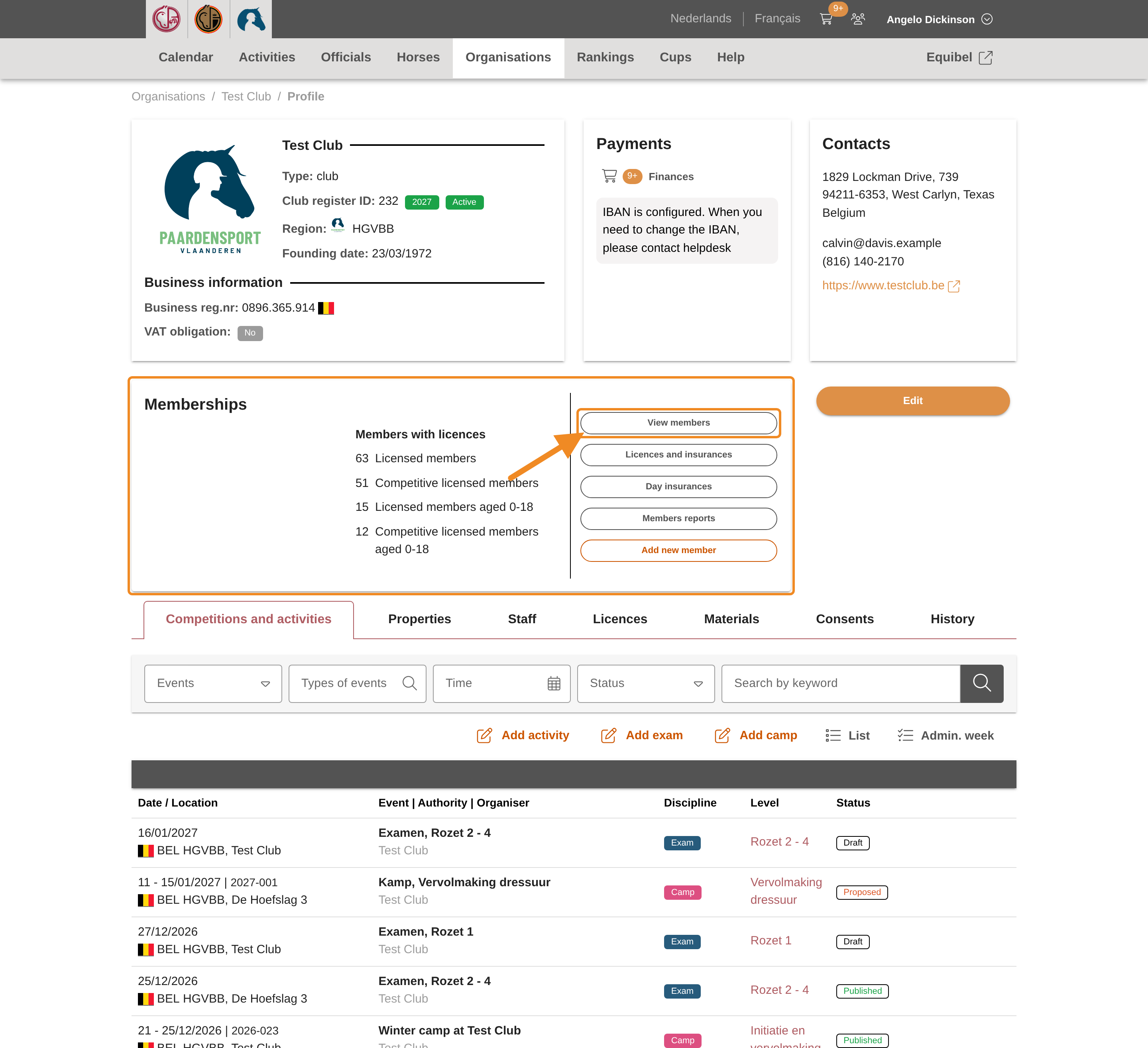
Your club page has a “Memberships” section. Find “View members” in it.
Step 4 — Open the members list
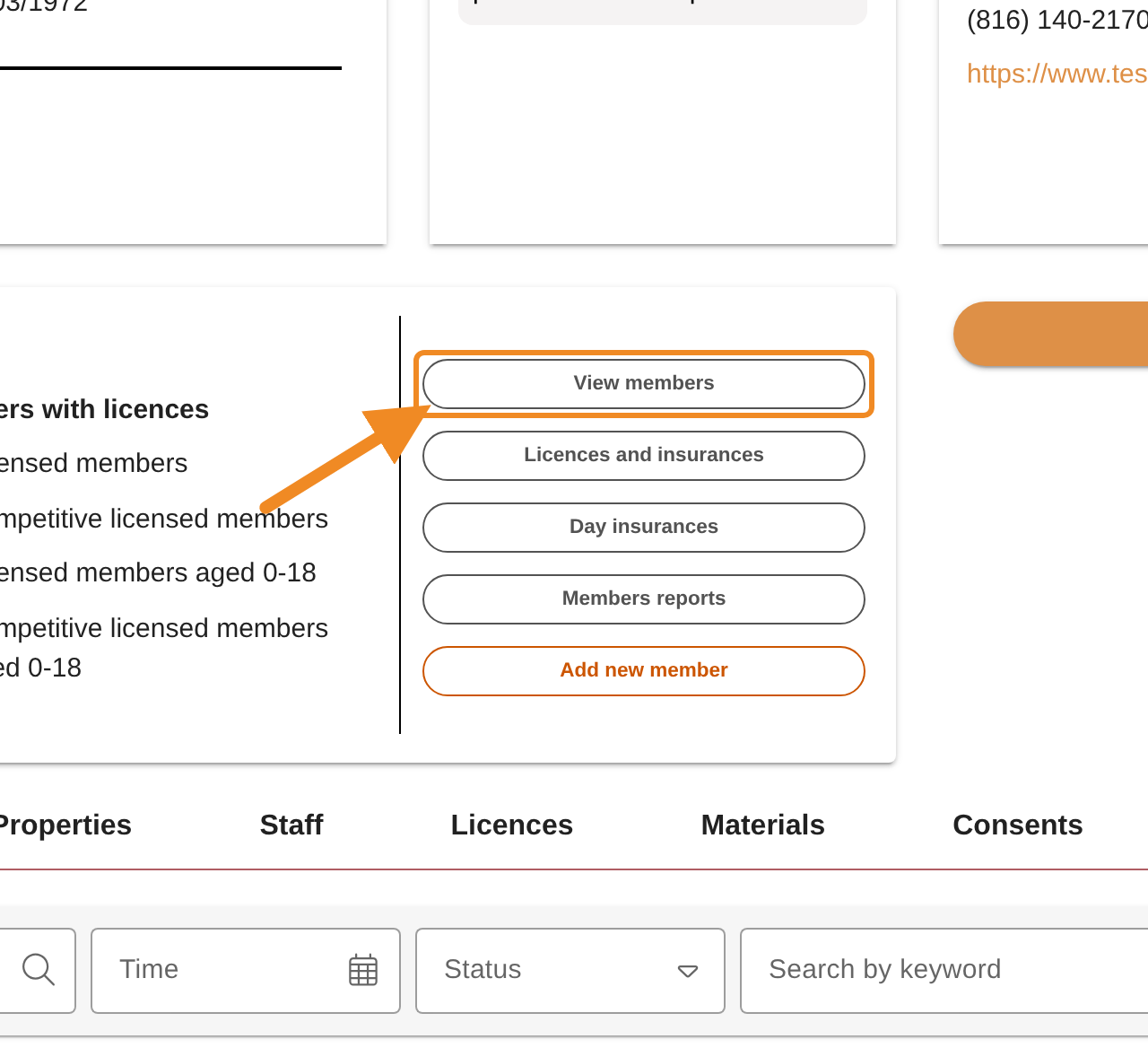
Click “View members”. The list of your club’s members opens.
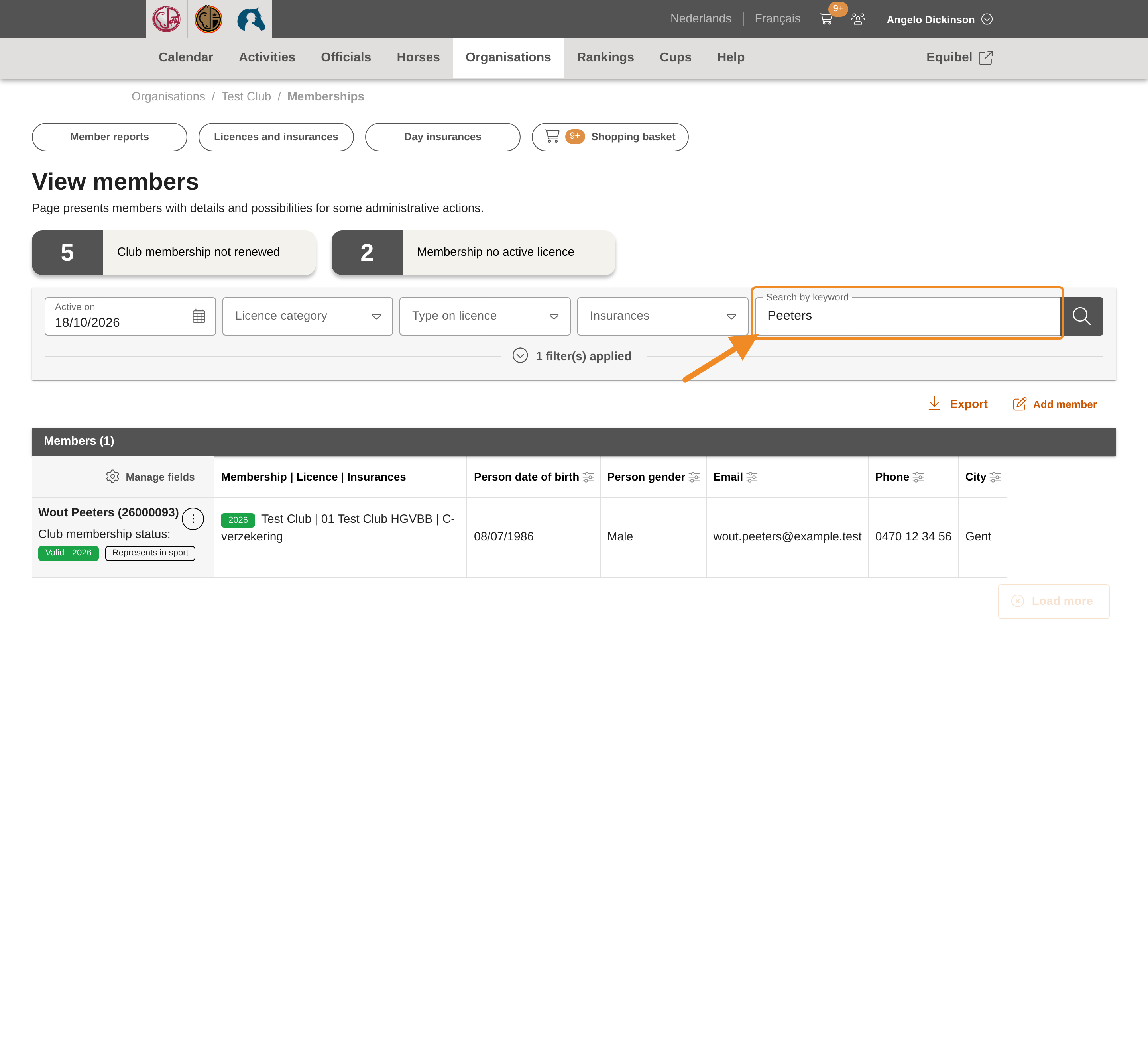
Step 5 — Search for the member
Type the member’s name in “Search by keyword” and press Enter, or click the magnifying glass. You can also search by licence number or email address.
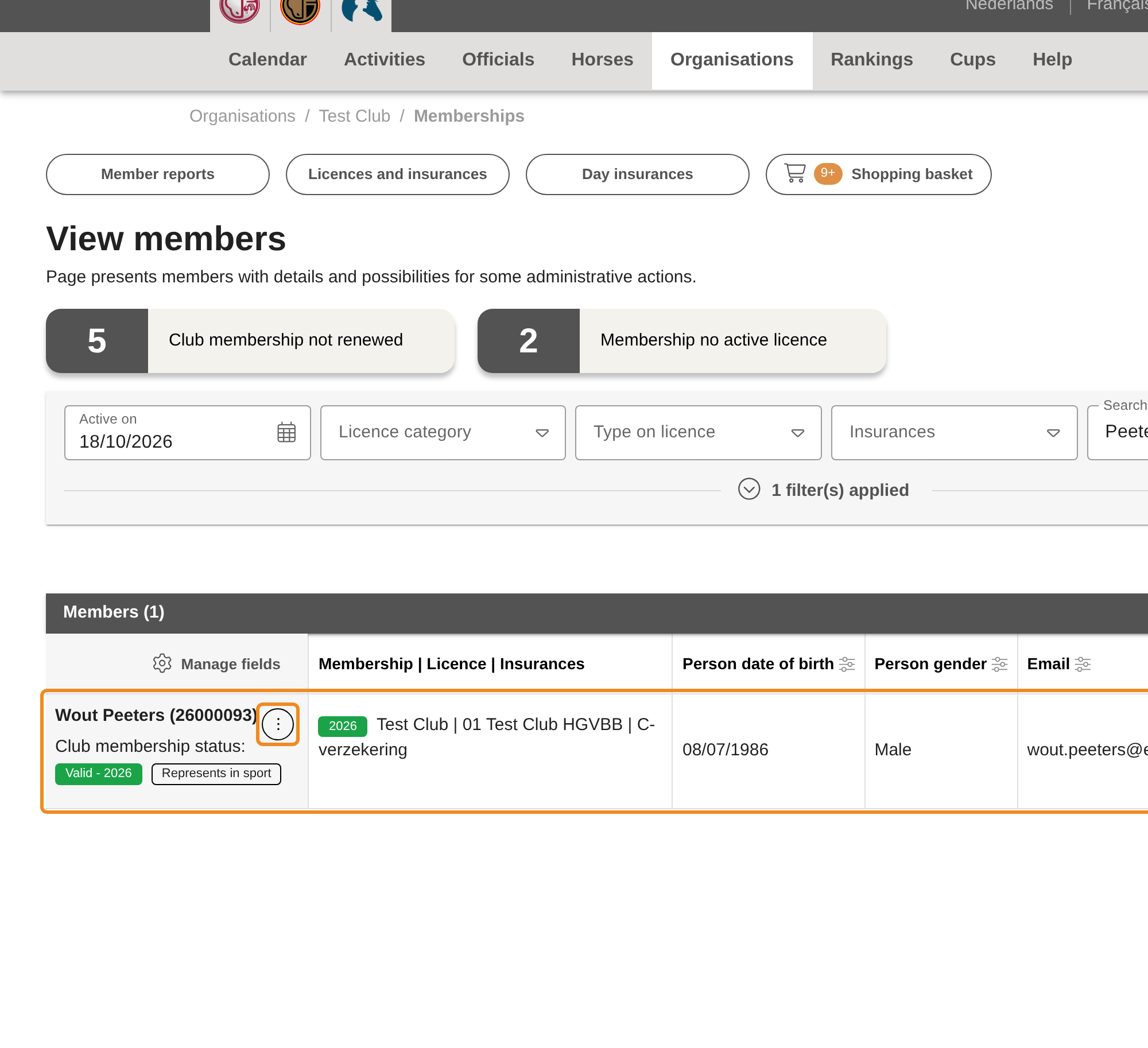
Step 6 — Open the member’s menu
Click the three dots next to the member’s name.
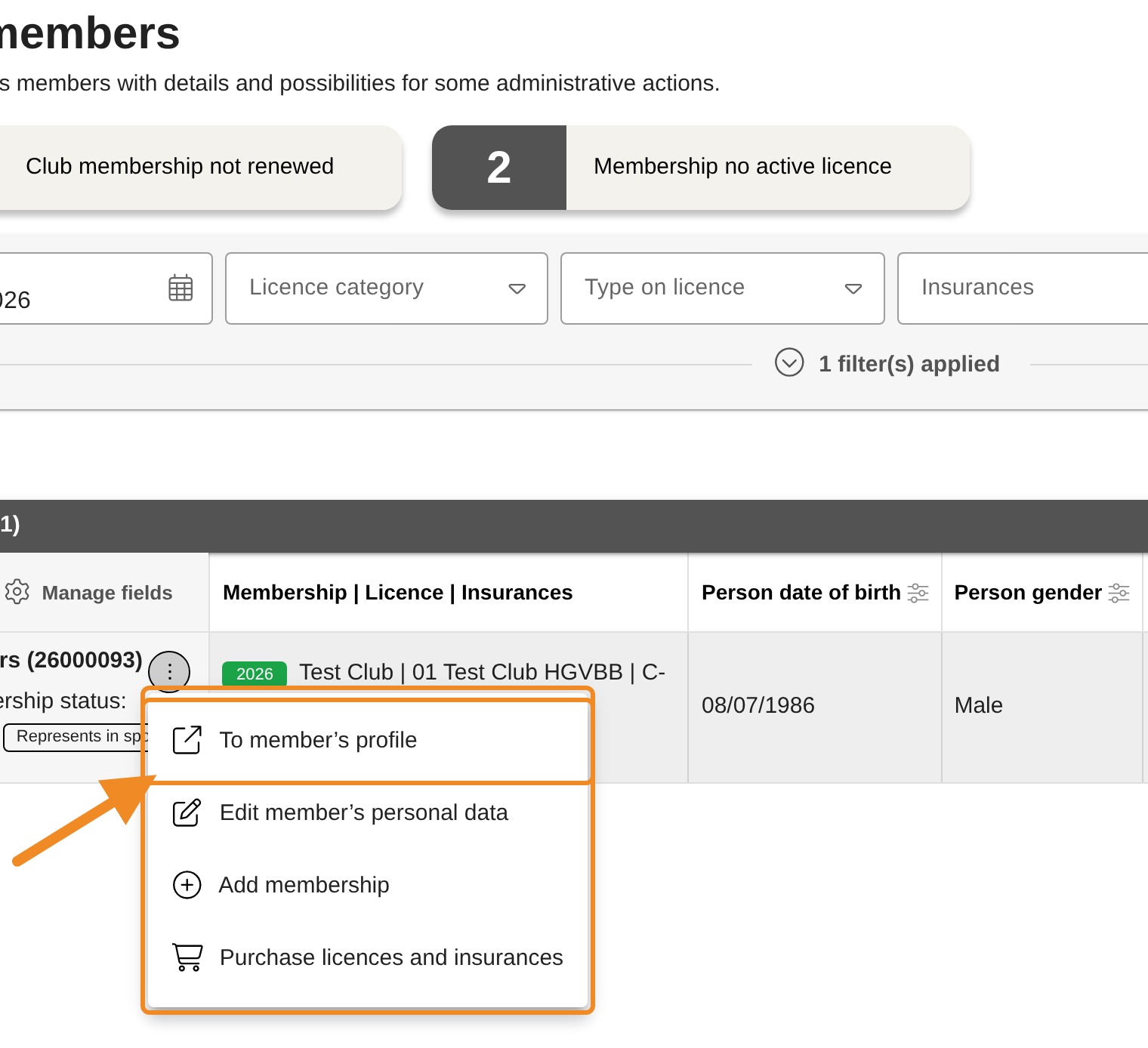
Step 7 — Open the profile
Click “To member’s profile”. The member’s profile opens in a new tab of your browser, so the members list stays open in the first tab.
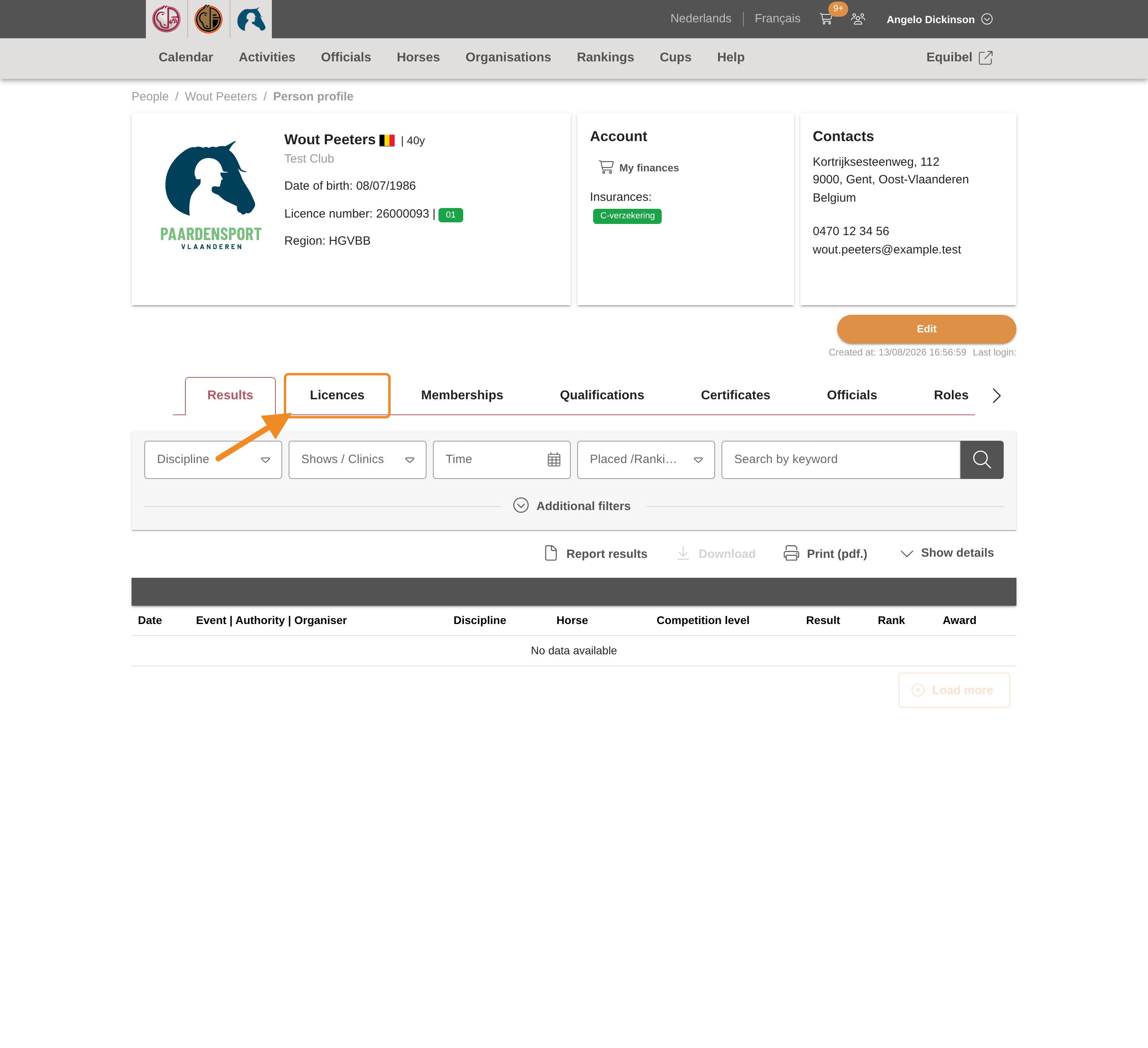
Part 2 — Resend the email
Step 8 — Open the licences
On the member’s profile, open the “Licences” tab. It lists the member’s current and coming licences.
Step 9 — Find the licence
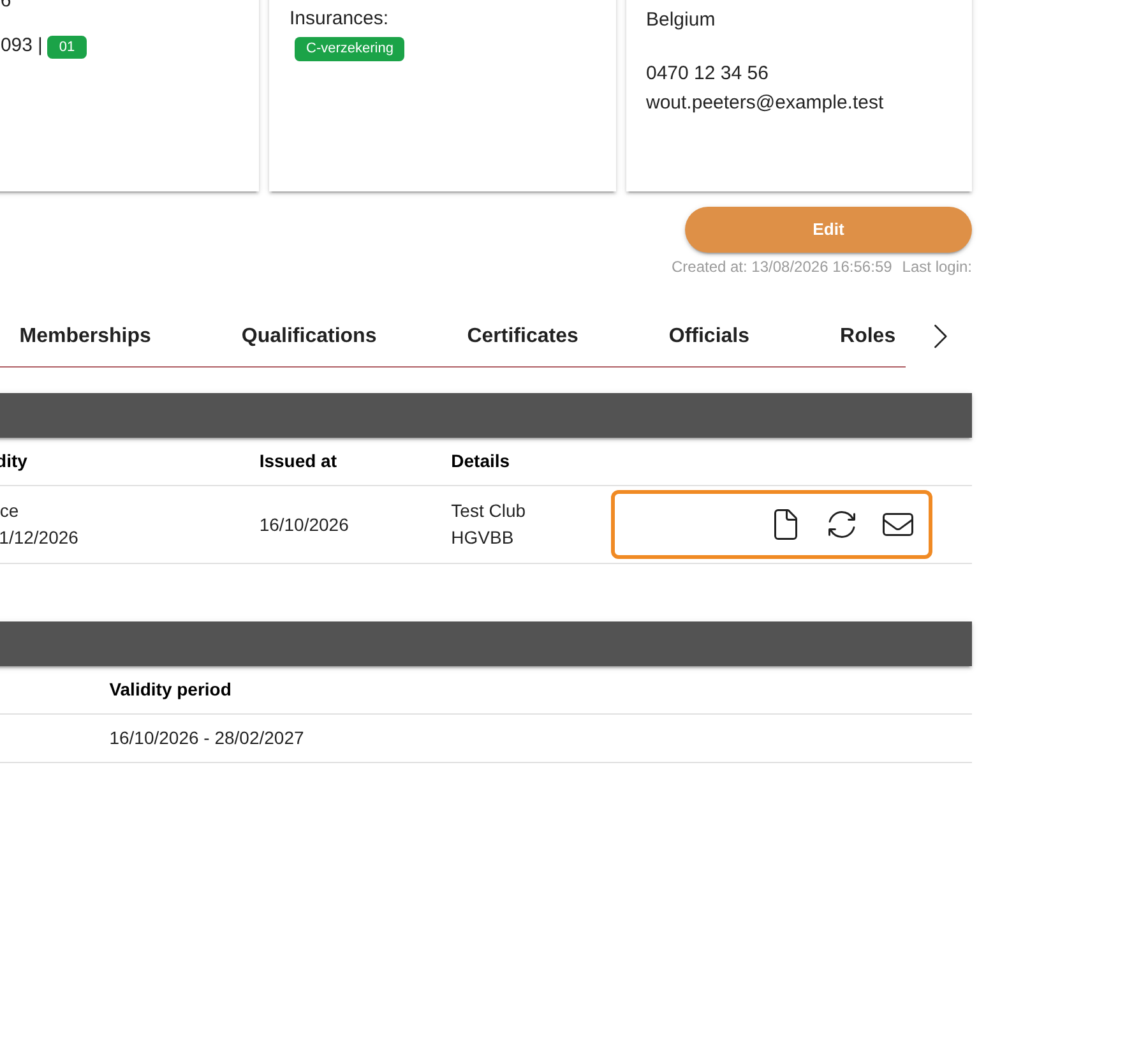
Find the licence in the list. At the end of its row are small icons. Point at an icon to see what it does:
- “get Licence certificate” opens the health insurance certificate. You can save it and give it to the member yourself.
- “Regenerate licence documents” makes the licence documents again (see Good to know).
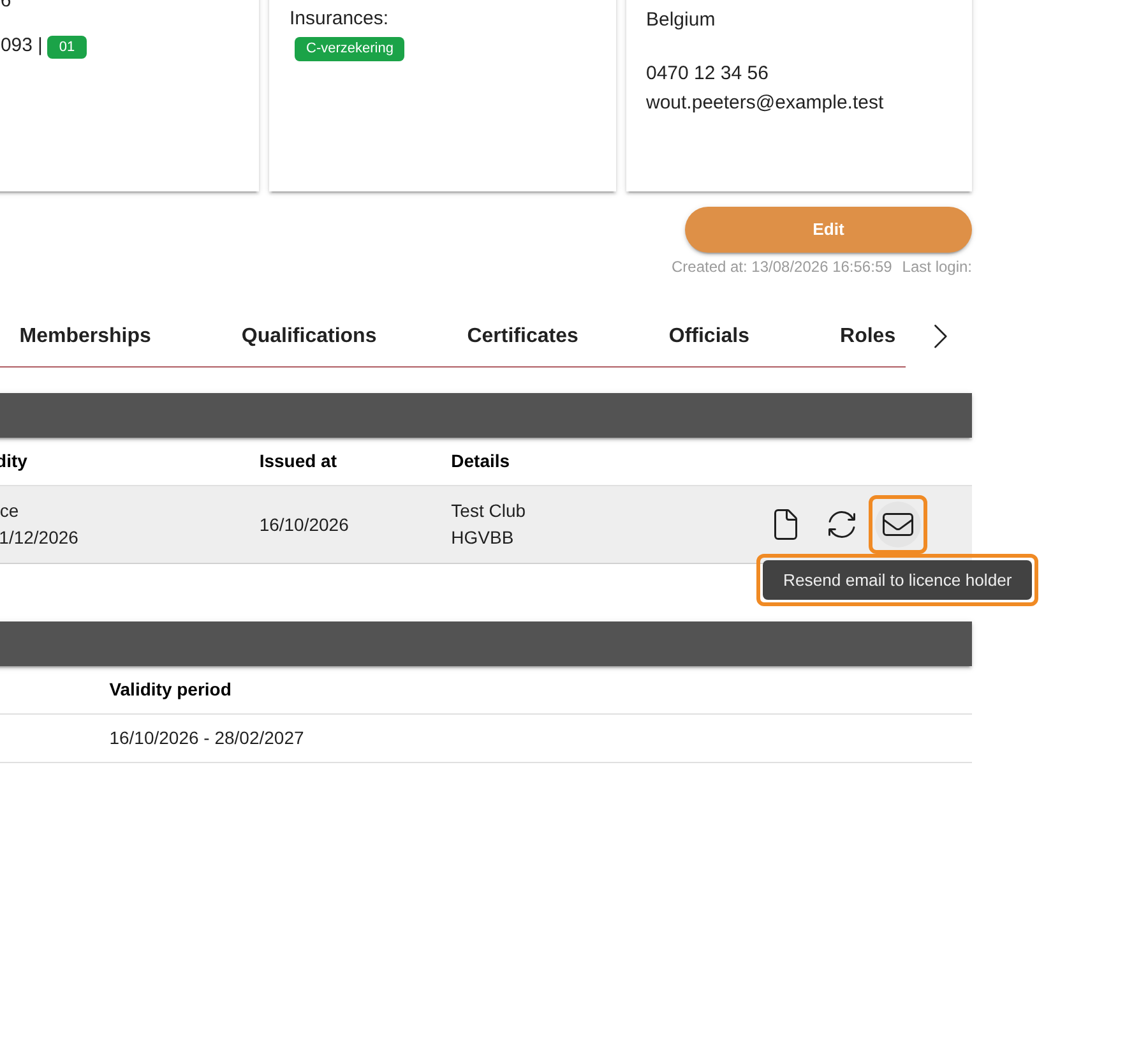
- “Resend email to licence holder” sends the email again.
Step 10 — Resend the email
Click the envelope, “Resend email to licence holder”.
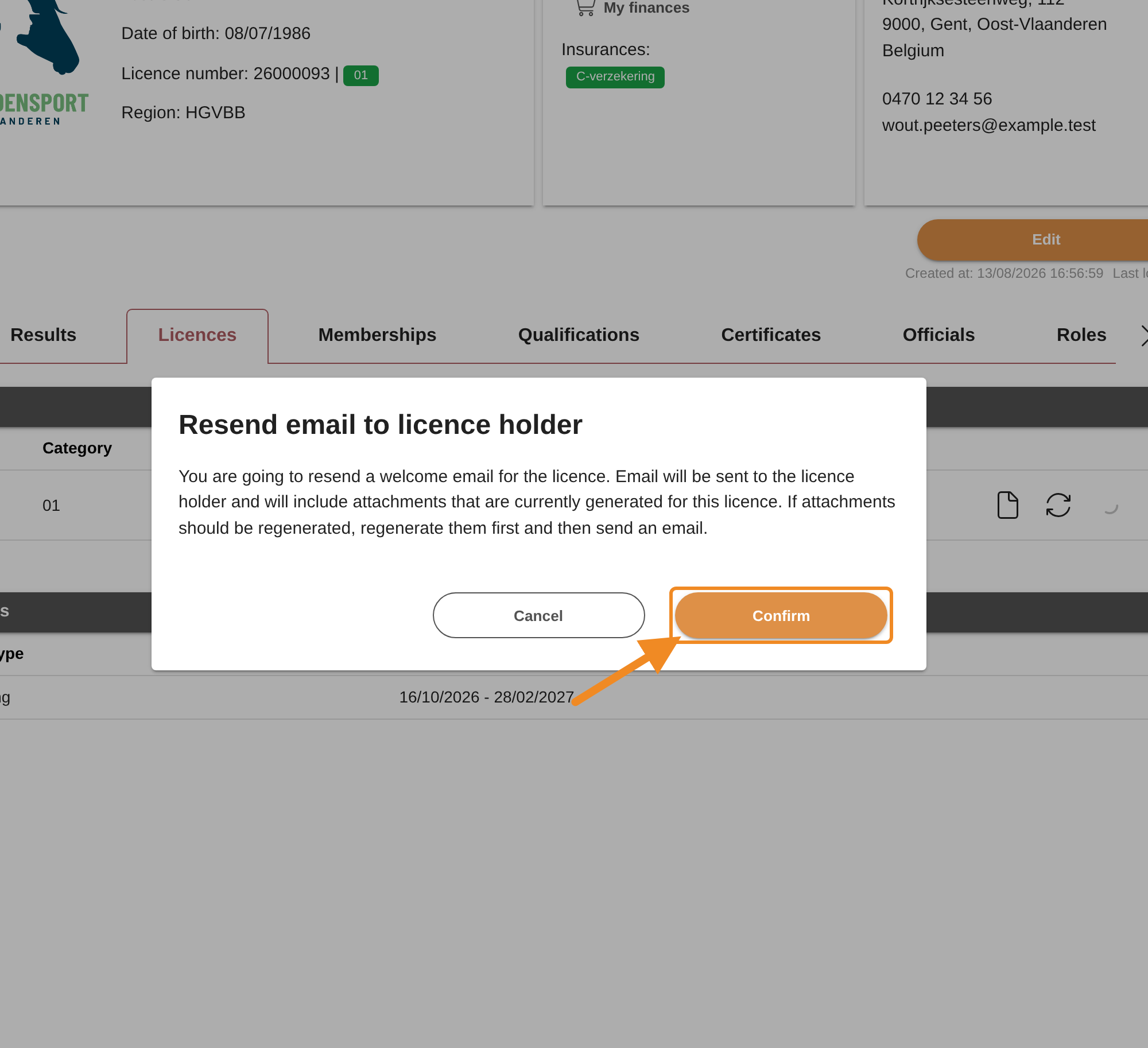
Step 11 — Confirm
A window asks you to confirm. Click “Confirm”.
To stop, click “Cancel”. Nothing is sent.
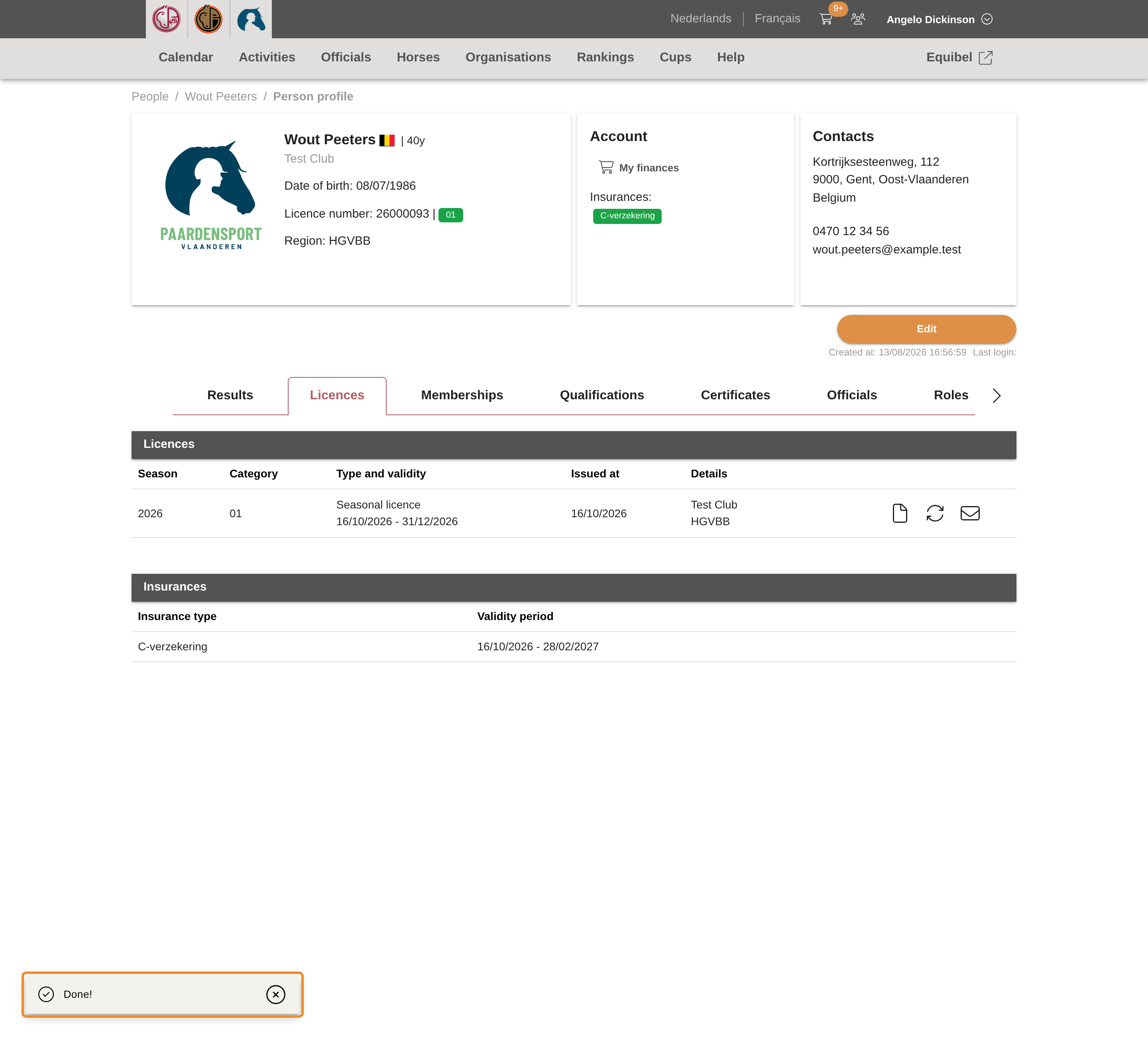
Step 12 — The email is sent
The message “Done!” confirms it. The email goes out at once to the member, with the health insurance certificate attached.
Good to know
- Check the email address first. The email goes to the address on the member’s profile at the moment you send it. If the member never received the first email, check that address and correct it before you resend (see How to Check a Member’s Personal Data).
- The email carries the documents as they are now. Resending does not make the certificate again. If the member’s details on the certificate were wrong and you have corrected them, first click “Regenerate licence documents” and confirm, then resend the email.
- Each click sends one email. If you click again, the member receives the email twice.
If something goes wrong
| What you see | What to do |
|---|---|
| The licence row has no envelope | The licence is not held through your club, it is no longer valid or was ended, or it is an international (FEI) licence. Contact the club administration of Paardensport Vlaanderen. |
| The licence is not in the list | Licences of earlier seasons are under “Past licences”, below the list. You cannot resend the email for a licence that is no longer valid. |
| There is no “View members” button on my club page | You are not a club administrator of this club, or the club has unpaid orders or a debt. Pay the club’s orders, or ask a club administrator of your club. |
| The member still receives nothing | Ask the member to look in their spam folder. Check the email address on their profile. You can also open the certificate with “get Licence certificate”, save it and give it to the member. |
Related articles: How to Check a Member’s Personal Data · How to Register a New Member